Halloween
Guide a pumpkin through a spooky night scene and dodge falling pumpkins.
ARTILLIS
A cheerful little dodge game for your Garmin watch. Pick a theme, move between three lanes and see how long you can avoid the falling hazards.
View on Garmin Connect IQ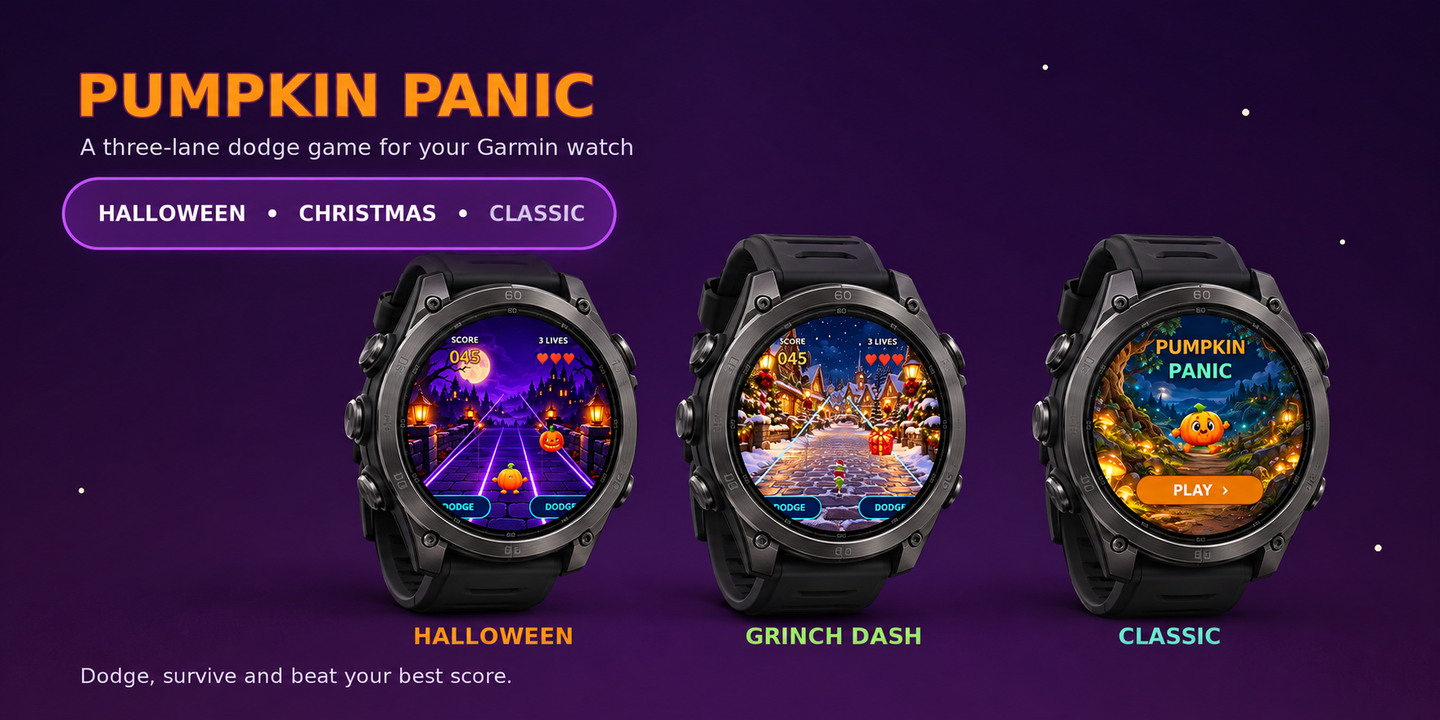
Pumpkin Panic is a quick, cheerful mini-game to play while you have a spare moment. Move your character left and right between three lanes to dodge incoming hazards. Keep clear, build your score and try to beat your best for each theme. It is a normal watch app and does not record a fitness activity.
Guide a pumpkin through a spooky night scene and dodge falling pumpkins.
Take a festive dash as a green holiday rascal, avoiding presents along the way.
Play as a sporty raccoon and dodge tennis balls in the everyday theme.
Choose a theme from the title screen or set Play Style in the Garmin Connect IQ mobile app. Each theme keeps its own best score.
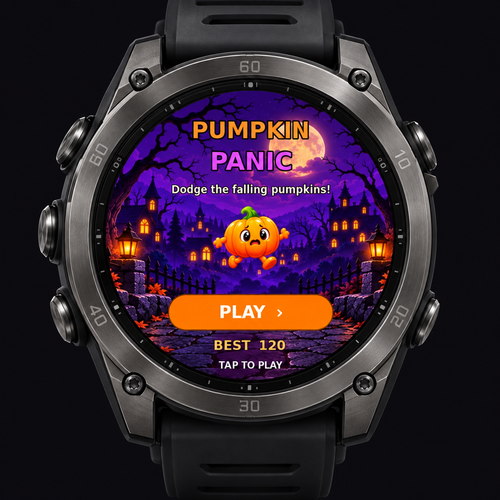
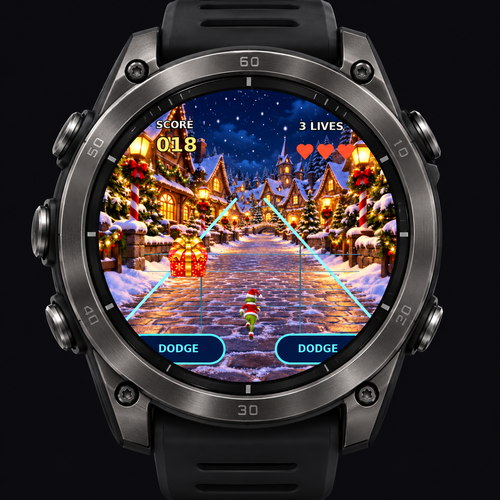
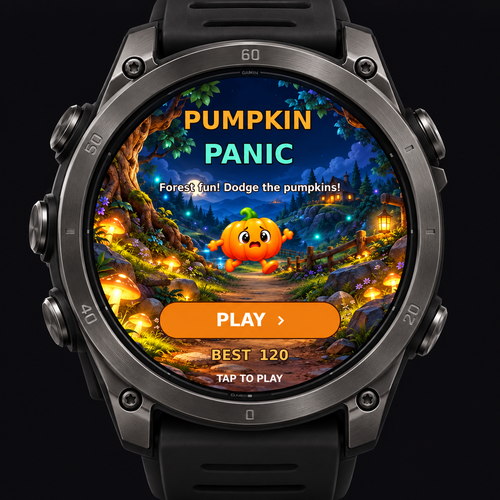
Move between lanes to avoid hazards. You have three lives, and sometimes two hazards arrive together in different lanes.
Successful dodges add to your score. The pace increases as the round continues; when your lives run out, review your score and play again.
Pumpkin Panic is designed for supported round AMOLED Garmin watches. MIP displays and rectangular AMOLED models are not included. Check the Garmin Connect IQ Store listing for the current compatible-device list before installing.
Need help? Email artillis@artillis.com.
SETUP & INSTRUCTIONS
Open Pumpkin Panic’s settings in the Connect IQ mobile app and enable Reset Scores to clear the saved best scores for all themes.